

Vbet App Download for Android (APK) and iOS in India 2026
The Vbet app gives Indian players a completely legal and safe way to bet on sports and play casino games – anytime and anywhere. The app is internationally licensed and trusted by thousands of users. It supports payments in Indian rupees (INR) via cards and UPI for quick deposits and withdrawals. New users receive a hefty welcome bonus to boost their first bets. The Vbet app is smooth and has reliable support.
Vbet App Features
The Vbet app is quite lightweight in size and installs quickly. It works great on most Android and iOS devices.
Official Vbet App Interface
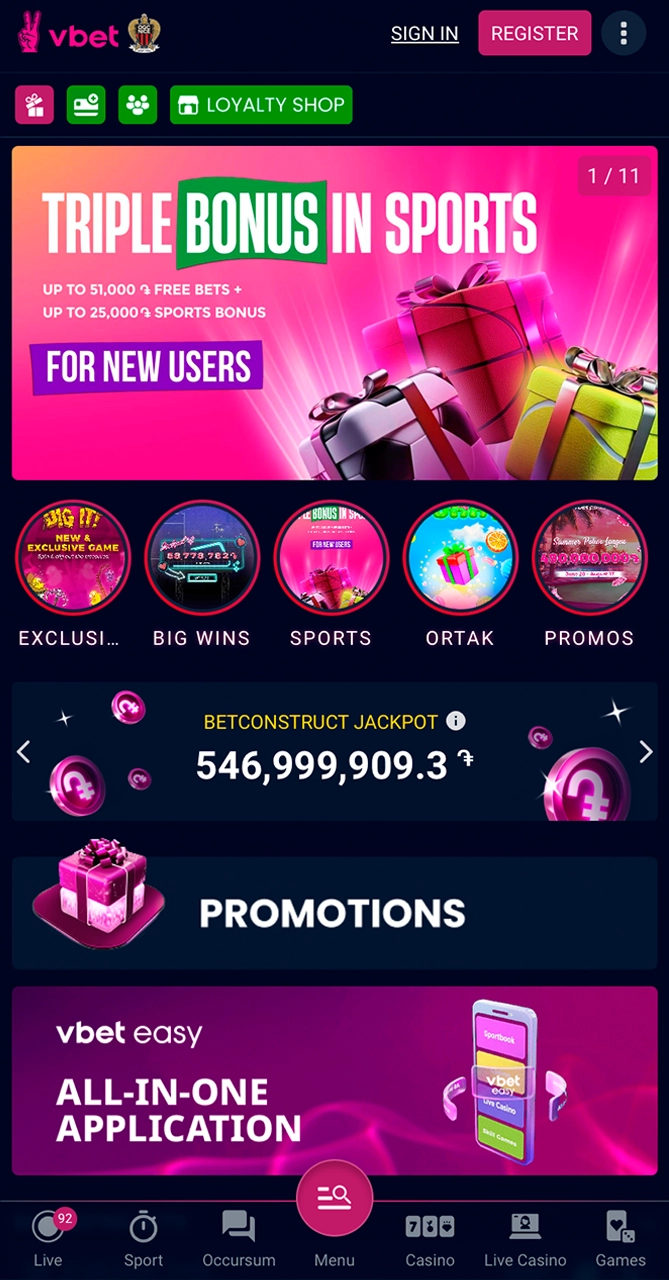
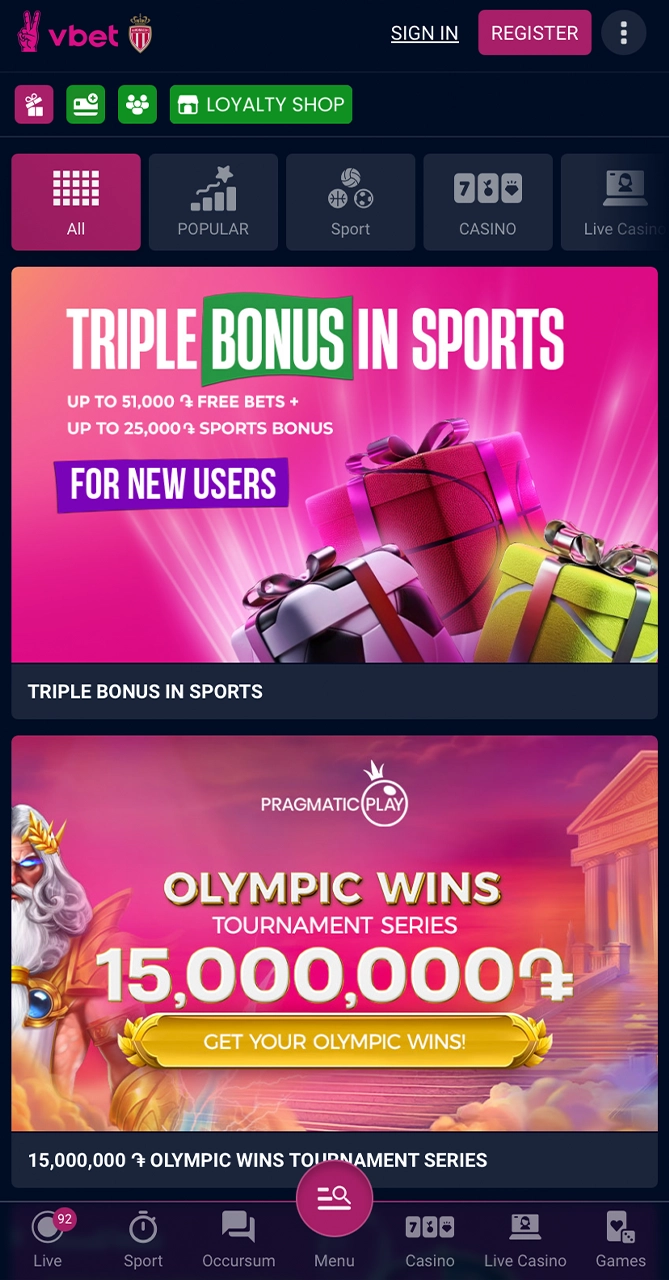
Launch the Vbet app – and in the top panel on the left is a hamburger menu, in the center is the Vbet app logo, and on the right are the profile and balance icons. Just below is a horizontal menu for quick navigation, with tabs “Live”, “Prematch”, “Sportsbet”, “Casino” and “Registration”. The main carousel features popular events and promotions, with large, bright banners. Scrolling down reveals tiles for the Slots, Live Casino, Bet Builder, and Withdrawal functions. At the bottom is a permanent navigation bar with shortcuts for Sportsbook, Casino, Promotions, and Account. As you can see, the interface is clear and simple, convenient for both beginners and, of course, experienced players.
How to Download the Vbet App for Android?
To download the app, open the Play Store and search for “Vbet app”. But what if your region is suddenly not supported (this happens with this app) and you don’t find the app there (or you find it, but there is no download link)? Visit the official Vbet website via a mobile browser – and download the latest version of the APK file there. Then, first, make sure that you have a stable Internet connection and at least 100 MB of free space (this is in the settings).
Step 1
Download Vbet APK
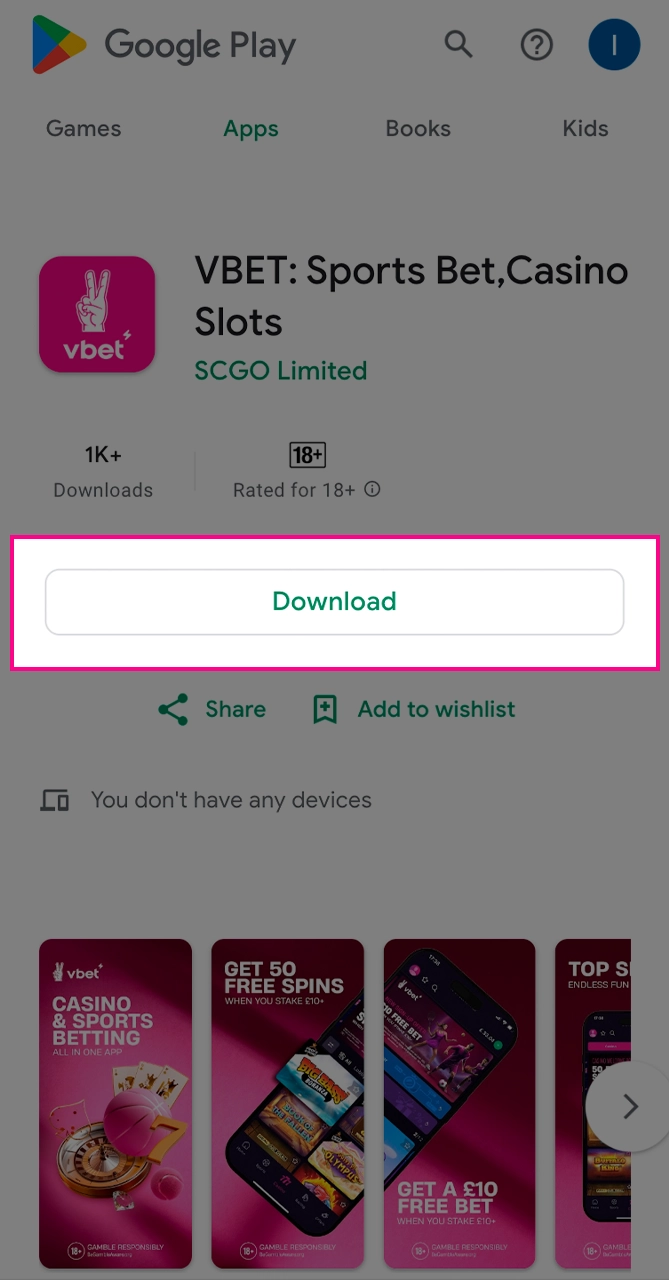
So, if it is still available to you, open the Play Store, find the application and click “Install”. But in unsupported regions, go to the Vbet website via a mobile browser, select the link to the APK and also click “Download”. Wait until the file is saved.
Step 2
Allow Installation from Unknown Sources
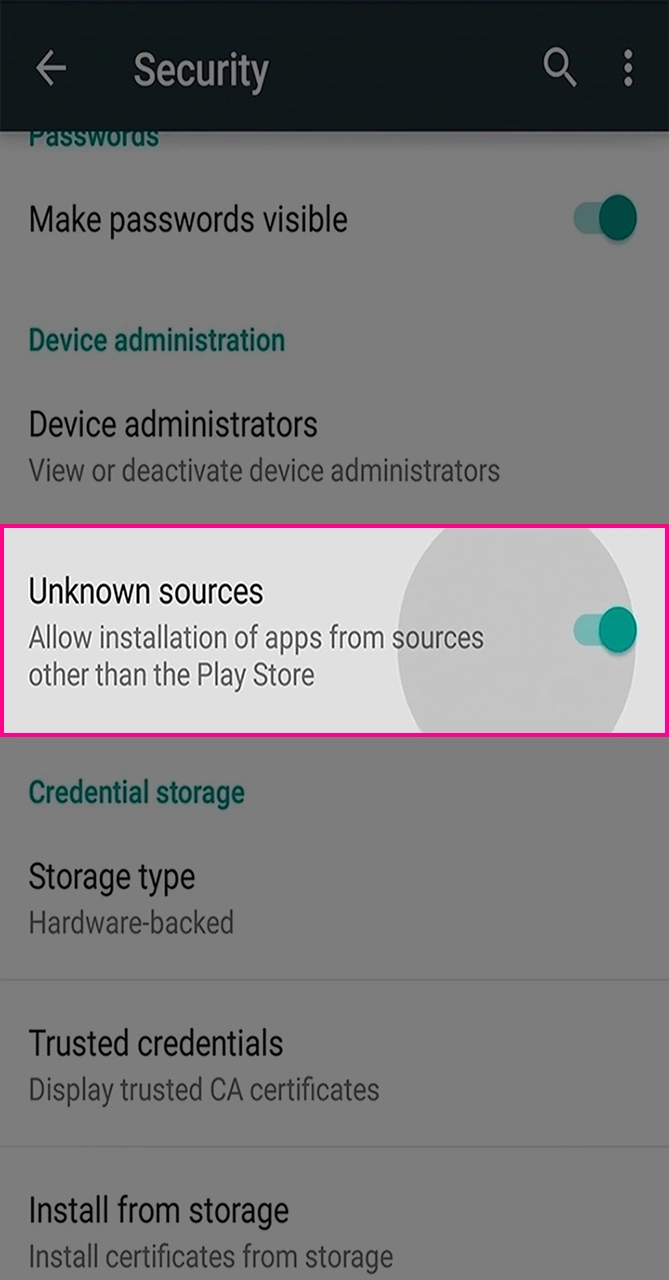
After downloading the APK file, first open the Android settings, go to the “Security” or “Applications” section. Enable the “Installation from unknown sources” function (or “Allow installation from this source”) in the browser or file manager. Then confirm all warnings.
Step 3
Install the APK
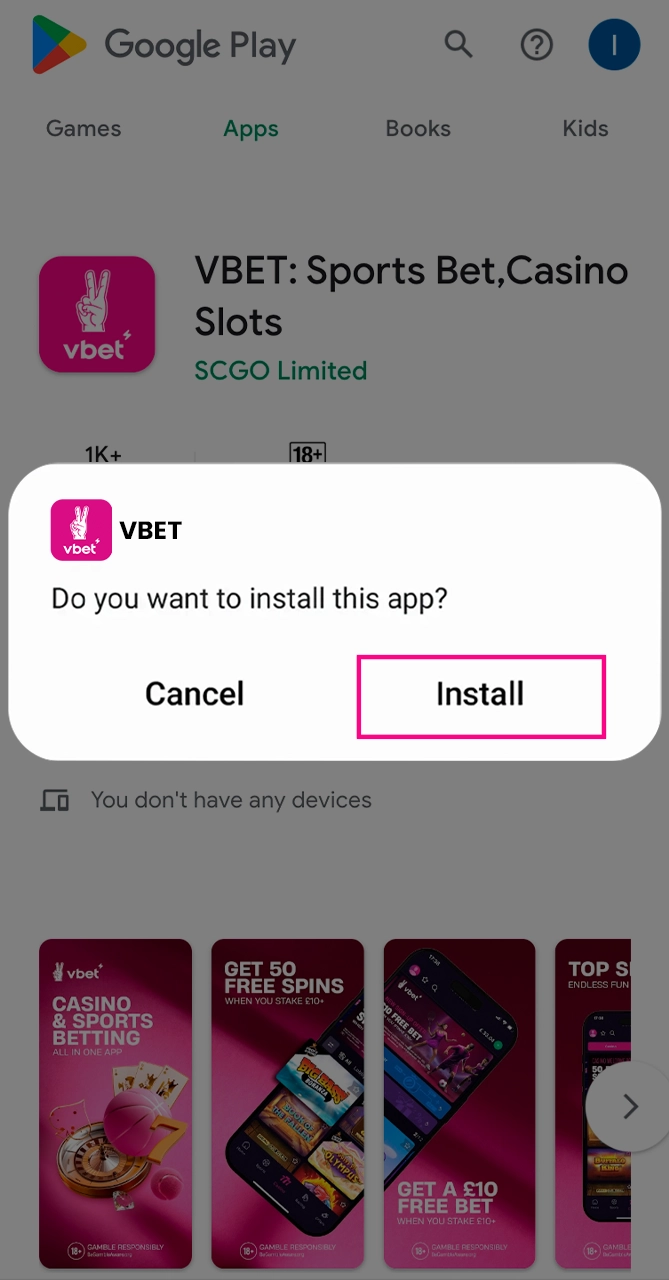
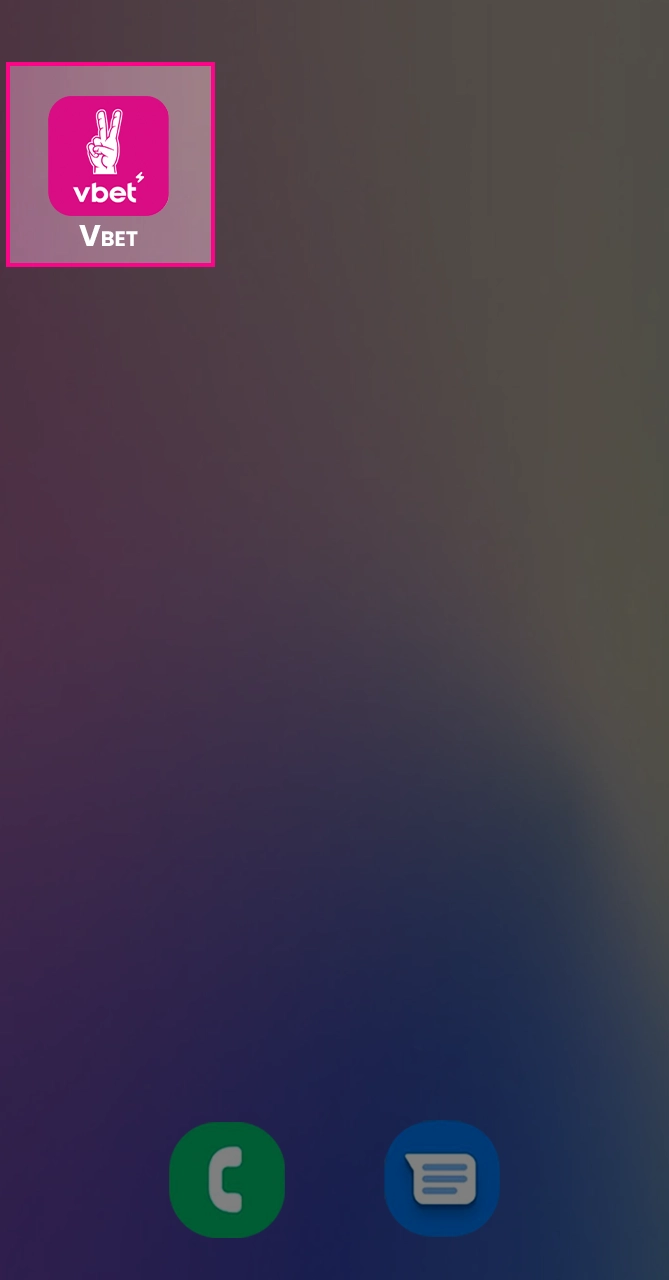
Find the downloaded file in the “Downloads” folder (in the file manager). Click on the file, check the required permissions. Click “Install” in the installation window, wait for the installation to complete. Once you’re done, find the Vbet app icon on your home screen or app drawer. There you have it, the app is on your phone!
Step 4
Open the App and Start Betting
Click on the Vbet app icon, open. Log in with your existing credentials (or click “Register” to create a new account). Complete all necessary confirmation prompts. Once logged in, open the relevant sections (“Sports Betting” or “Casino”), select a market or game, place your bet and off you go!
All About the Vbet App for Android
Before installing the Vbet app, make sure your Android device meets the minimum requirements. This includes the OS version, available memory, RAM, and processor speed. This is necessary to ensure smooth operation, fast loading, and stable operation.
Android System Requirements
Supported Android Devices
Popular Android devices that are fully compatible with the Vbet app:
- Samsung Galaxy S23;
- Samsung Galaxy A54;
- OnePlus Nord CE 3Lite;
- Xiaomi Redmi Note 12;
- Realme Narzo 60Pro;
- Poco X5Pro;
- Vivo V27;
- Oppo F21Pro.
Is your device not on the list? You can still install the app if it meets the minimum requirements.
How to Download the Vbet App for iOS?
To start downloading Vbet to your iOS device or iPad, open the App Store and search for “Vbet”. If you can’t find it, launch Safari, go to the official Vbet website and click on the download link. But before you start downloading, make sure you have at least 100 MB of free space, as well as a stable Wi-Fi connection.
Step 1
Click “Download for iOS”
Open the App Store or Safari and look for the “Download for iOS” button. Click it to start downloading the app. Wait for the download to complete, then look for the Vbet icon on your home screen. This ensures that the app is ready to install and launch.
Step 2
Add Vbet to Your Home Screen
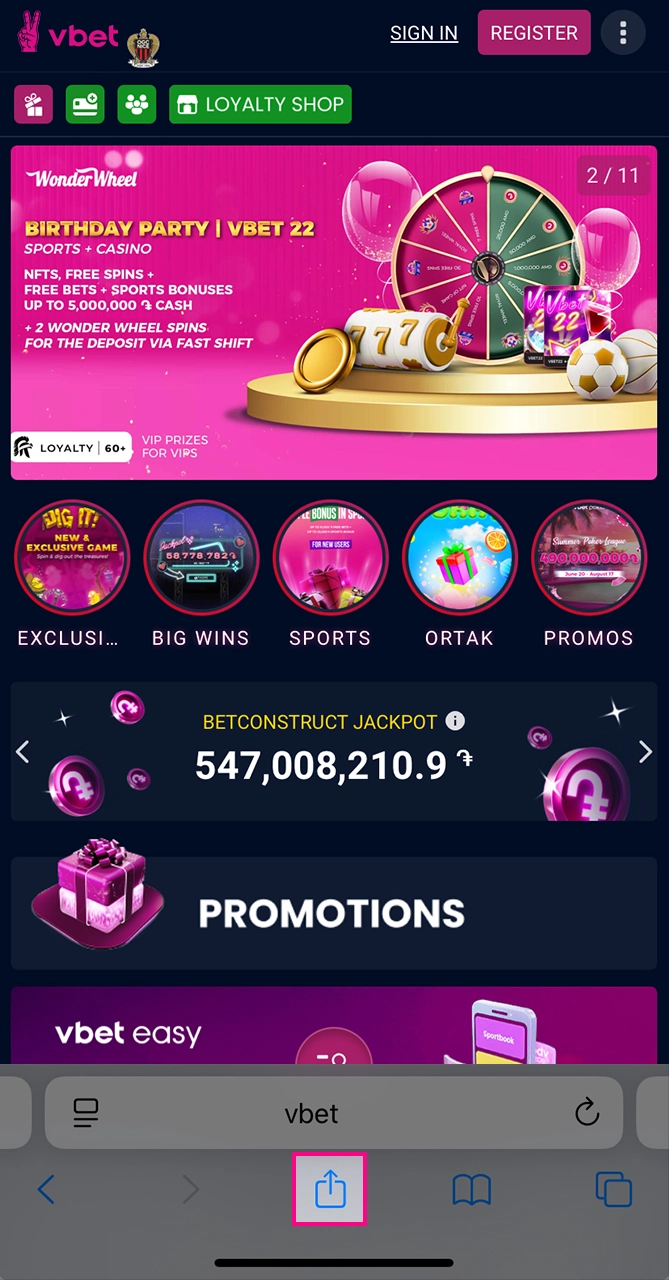
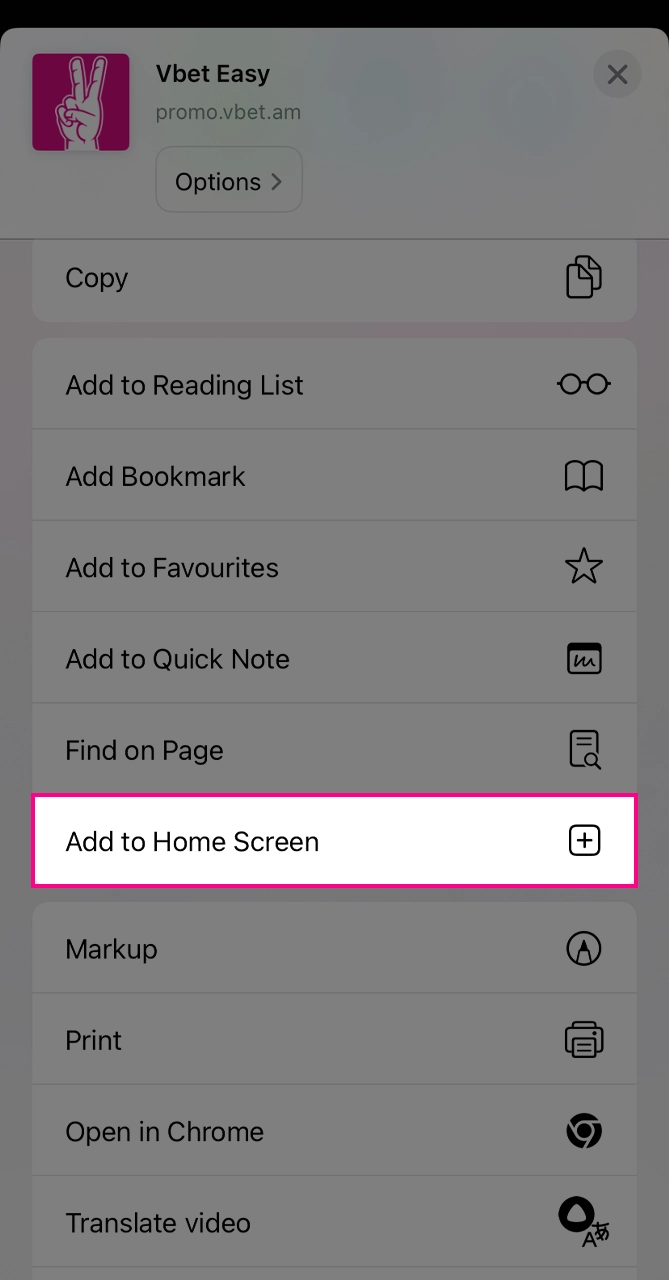
After clicking the download button, open the “Share” menu in Safari on the Vbet page. Select “Add to Home Screen” and then click “Add”. So, the Vbet icon is already on your home screen! Now launch it with one click.
Step 3
Access to the App
Click on the Vbet icon on the home screen, open the app. Grant all requested permissions if necessary, allow notifications. Log in to your account (or select “Register”). That’s it, now you can watch sports events, casino and live games directly in the app, on your phone.
All About the Vbet App on iOS
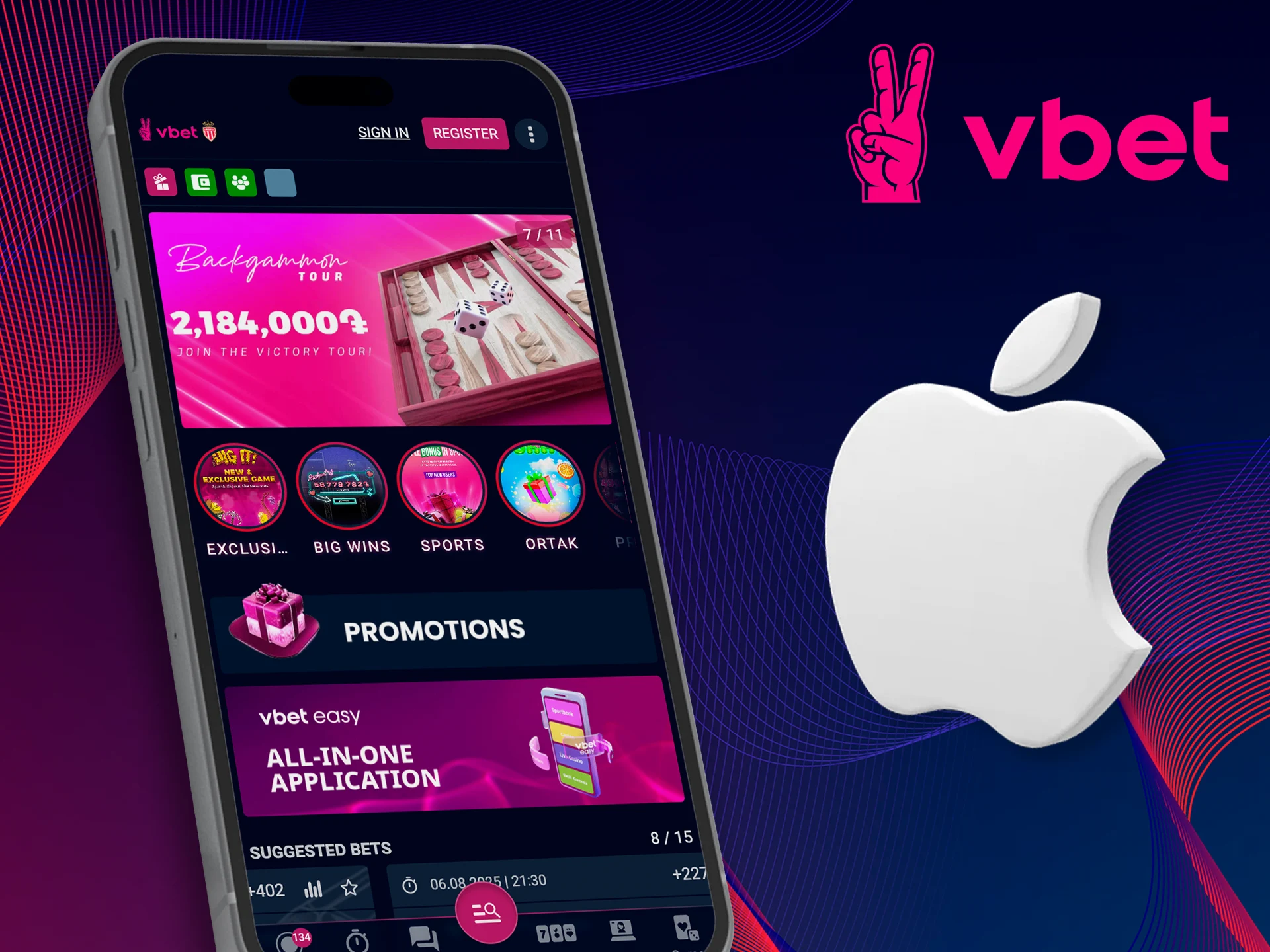
To use all the features on Apple devices, of course, first make sure your iPhone or iPad meets the minimum requirements. We are talking about the iOS version, the amount of free memory, RAM and processor speed. This is necessary for smooth navigation and fast loading.
System Requirements for iOS
Supported iOS Devices
The following Apple devices are supported and tested to work flawlessly with the Vbet app:
- iPhone 13;
- iPhone 12;
- iPhone 11;
- iPhone SE (2020);
- iPhone XR;
- iPad Air 4;
- iPad Mini 6;
- iPhone 13 Pro.
If your device is not on the list, you can still install the app if it really meets the minimum requirements. How? We explain.
Register with Vbet via the App
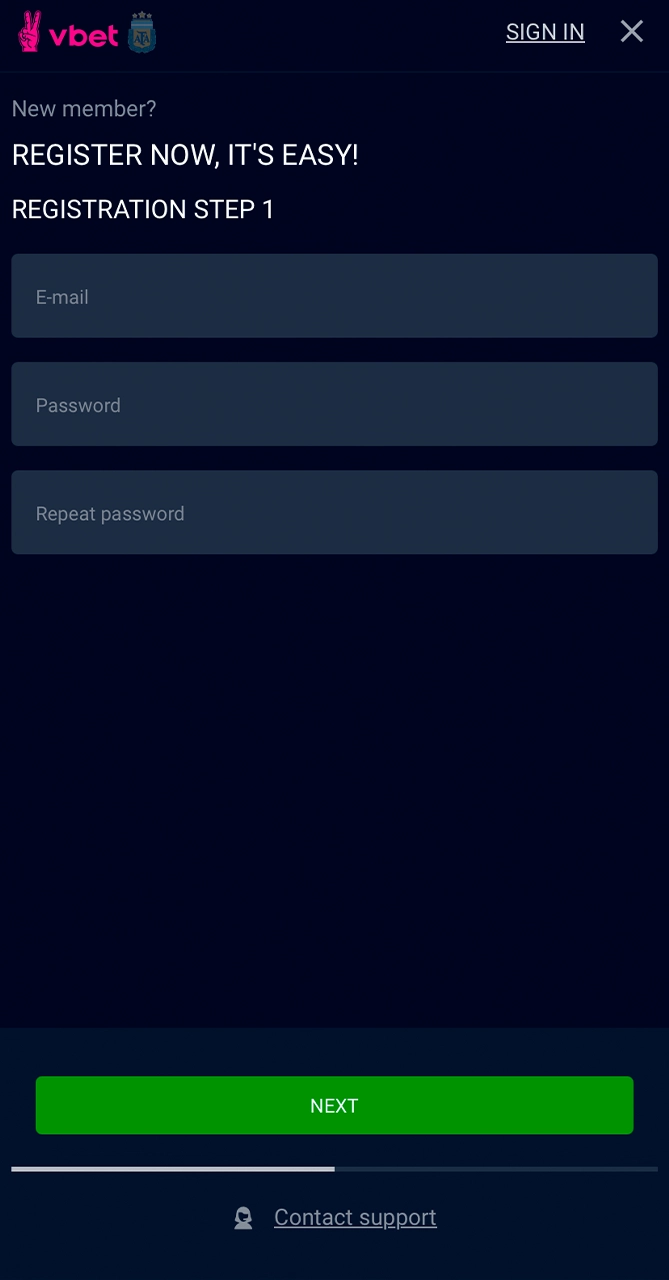
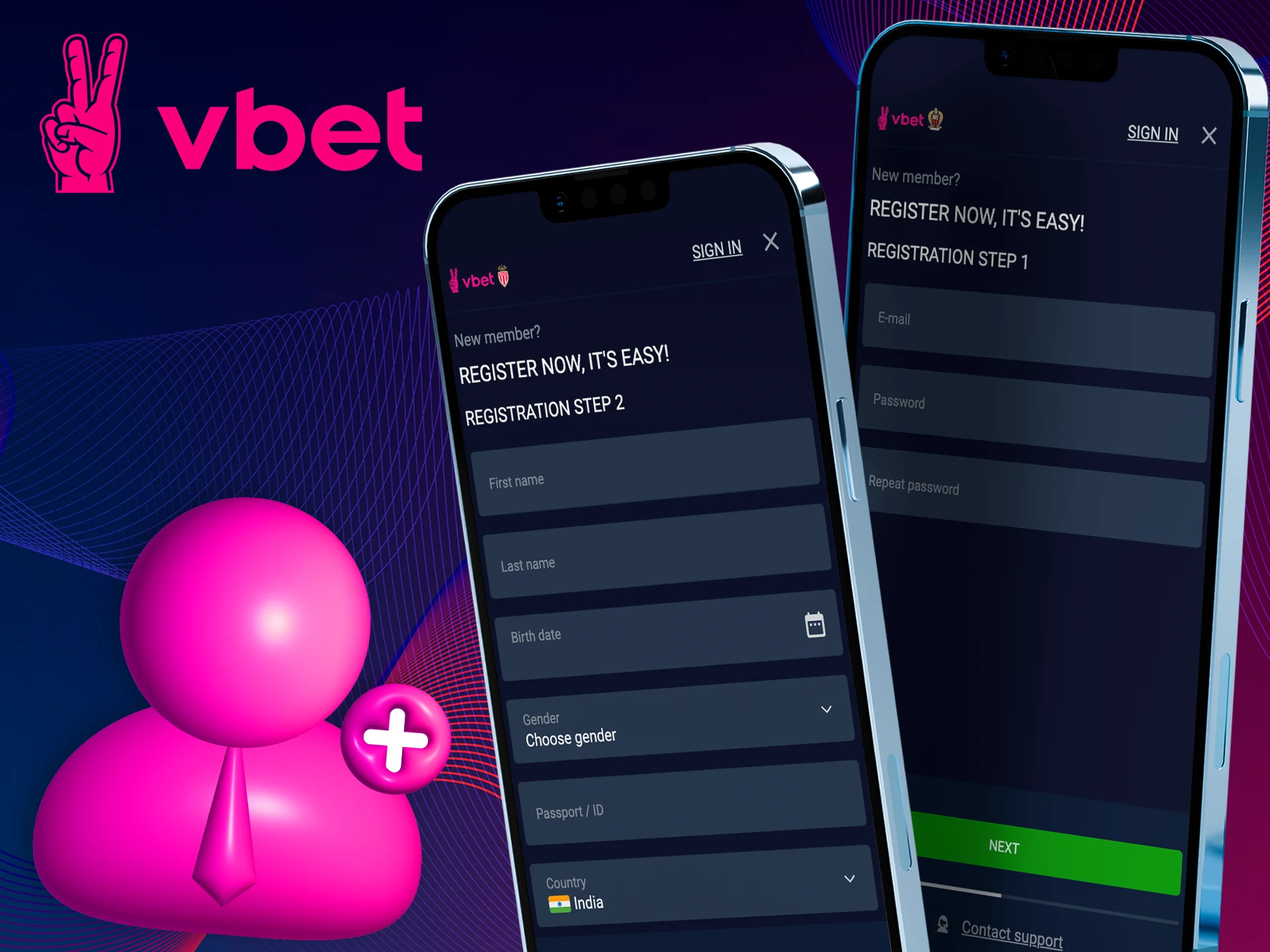
To register a new account in the Vbet app and get access to exclusive bets and casino games – do the following.
- Open the Vbet app and click “Register” on the bottom navigation bar.
- Enter your mobile number.
- Specify your full name, date of birth, email address.
- Create a strong password, confirm it.
- Agree to the Terms of Use and Privacy Policy.
- Click “Register” and complete the account setup.
- Log in using your credentials. Start betting (that’s what it’s all about)!
All personal details and transactions are encrypted. Registration takes less than a minute and ensures the security of your account.
Vbet Bonuses and Promotions
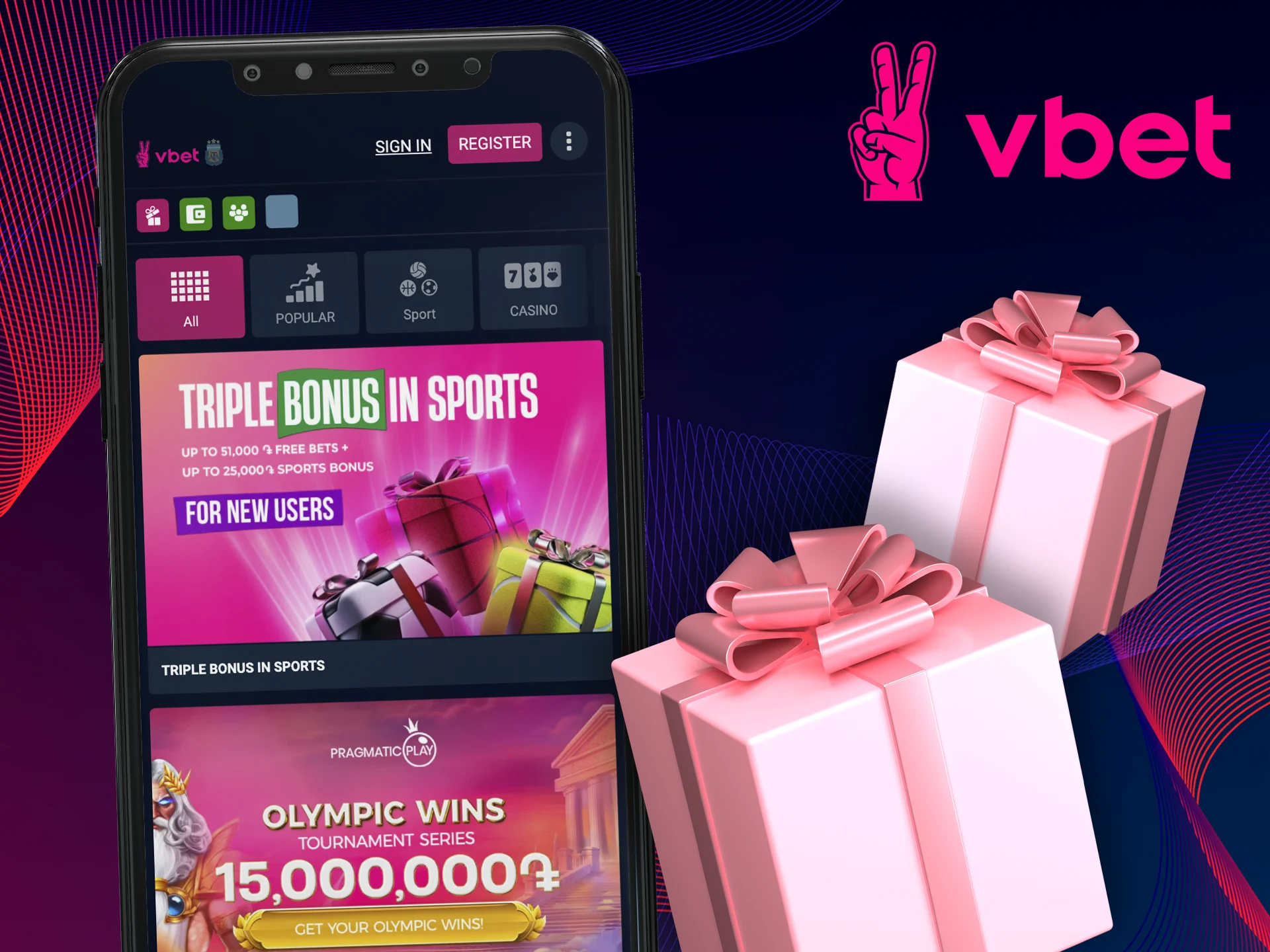
We’ve rounded up the most attractive Vbet promotions for new and existing players in India. These offers will boost your balance and enhance your gaming experience in both the sports and casino sections.
- Sports Welcome Offer: 100% Free Bet on your first deposit with a multi-bet requirement;
- Casino Welcome Bonus: 100% Match Bonus plus 90 Free Spins on your first three deposits with a 35x wagering requirement;
- Deposit Bonus: 100% First Deposit Bonus with a 35x wagering requirement on selected slots before withdrawal;
- Welcome Free Spins: 10 free spins on popular slots credited on your first deposit (valid for three days after activation).
How to Update the Vbet App to the Latest Version?
Keeping the Vbet app up to date ensures that you have access to new features, optimizations, and security fixes. So, to update the app via the Play Store or APK, follow these steps:
- Update via the Play Store: Open the Google Play Store, tap on your profile icon, select “Manage apps and device”, then tap “Available updates”. Select Vbet, tap “Update”. Updating!
- Download the latest APK: Simply visit the official Vbet website in your mobile browser and tap on the “Download the latest Vbet app APK” link. Download!
- Install the new version: If necessary, enable “Install from unknown sources” in the settings, then open the downloaded APK file and tap “Install”.
- Confirm the update: launch the app, go to Settings, then About and confirm the new version number to make sure the update was successful. Done!
Sports Betting in the Vbet App
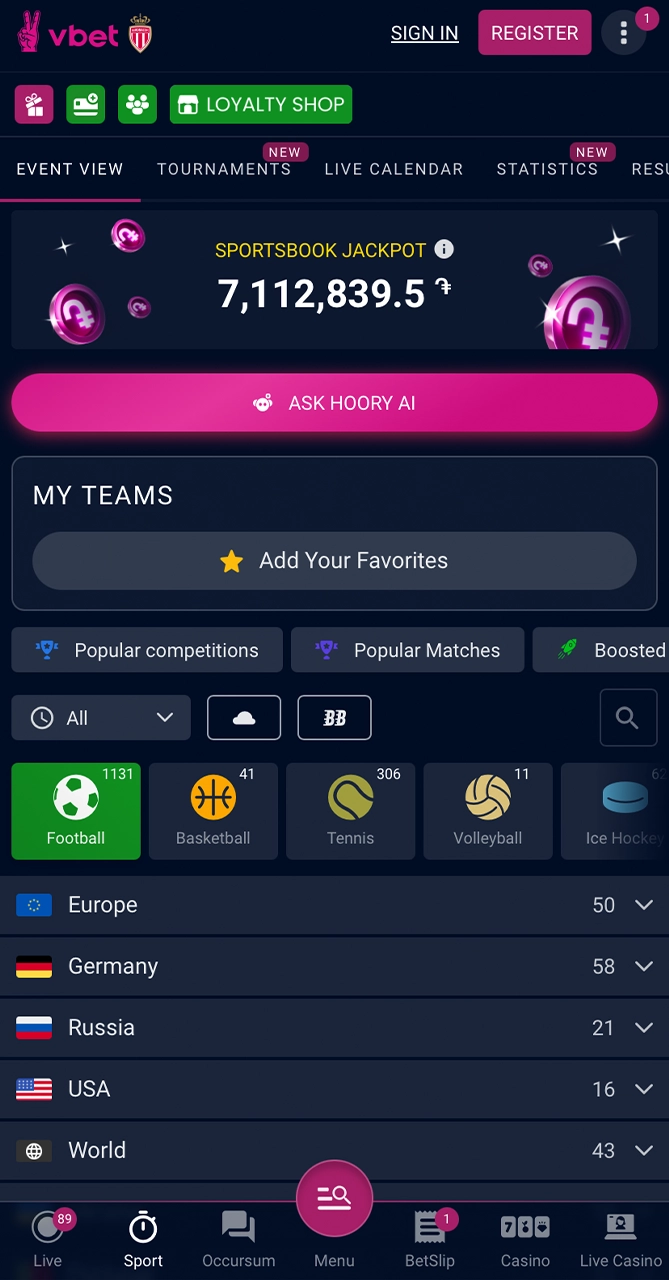
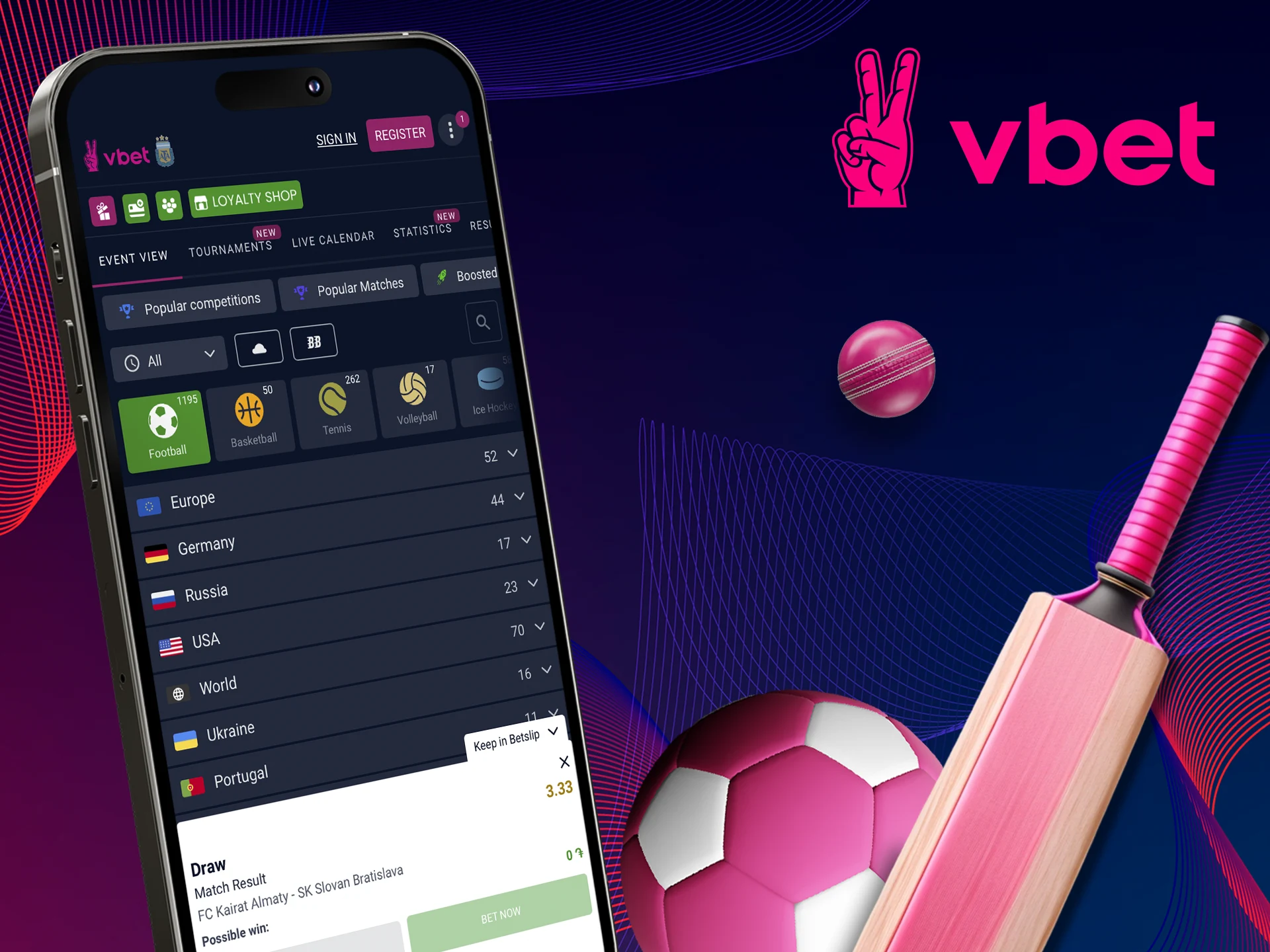
The Vbet app has a fully functional sports betting section with pre-match and live markets on world sports. You can place single, express and system bets, customize your options using the bet builder. Live betting is supported by odds and live broadcasts of selected events. The interface itself is optimized for quick navigation and instant updates of results and statistics. So, what’s available?
- Cricket: IPL, T20, one-day matches, test matches;
- Football: Premier League, La Liga, Bundesliga and more;
- Tennis: Grand Slam tournaments, ATP, WTA;
- Basketball: NBA, Euroleague, national leagues;
- Esports: CS:GO, Dota 2, League of Legends;
- Virtual sports: virtual football, racing, tennis.
Vbet Online Casino
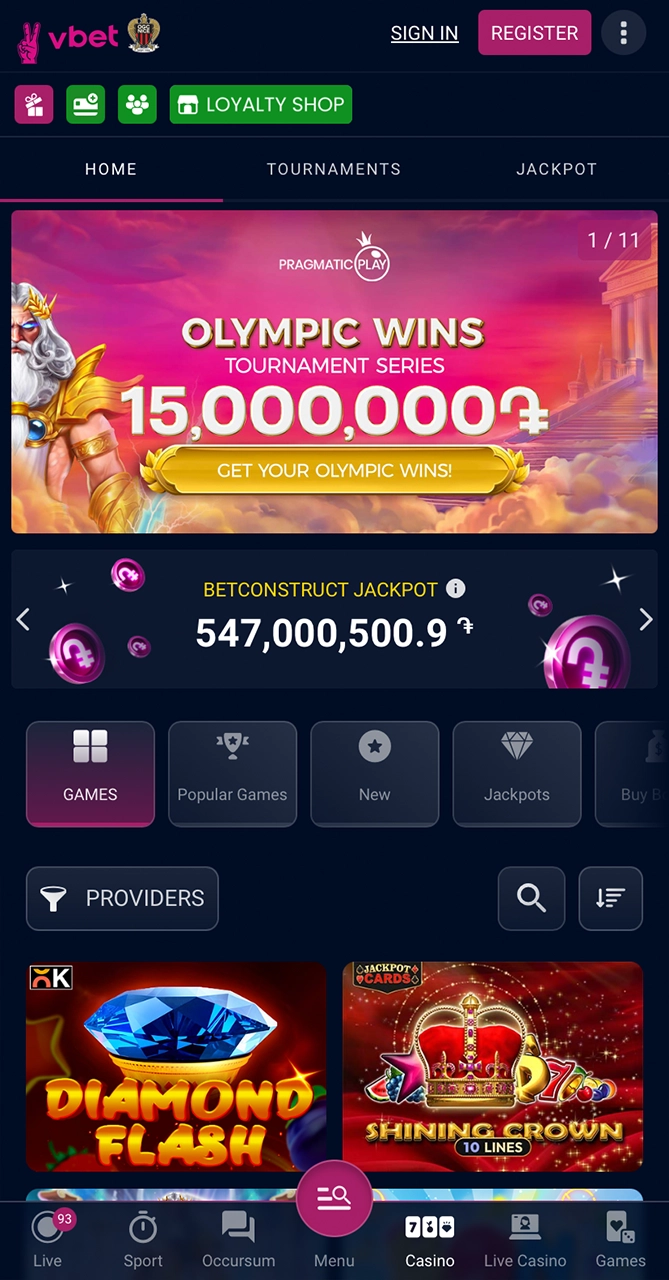
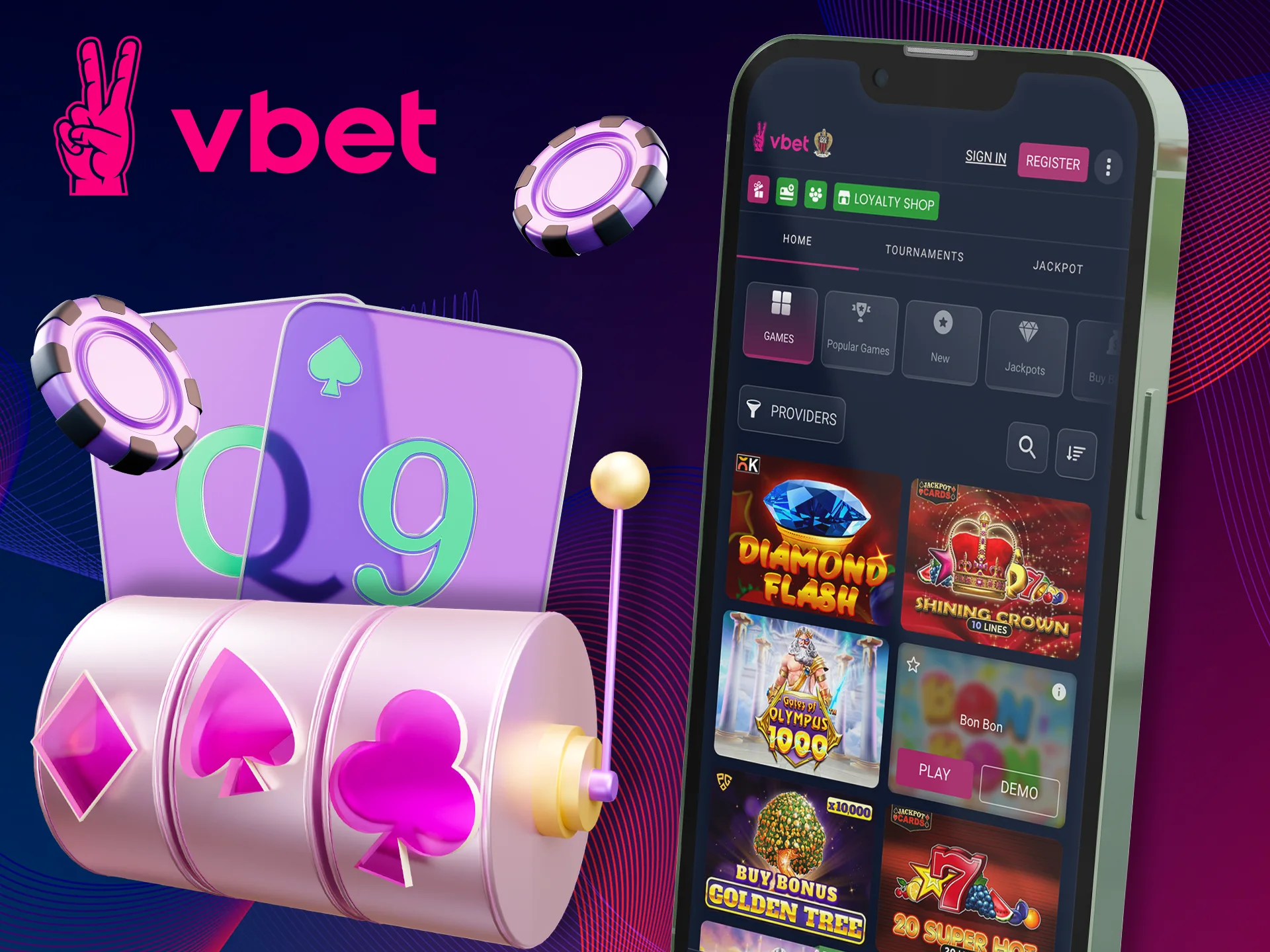
The Vbet app has an extensive online casino section with a wide selection of games from leading software providers. Here you will find modern video slots, jackpot games, table games with live dealers. The interface supports live streaming, there is an interactive chat for casino tables with live dealers. Quick filters and search functions will help you find your favorite games, and secure transactions guarantee reliable deposits and withdrawals. What is here?
- Slots: classic, video, Megaways and games with progressive jackpots;
- Live Casino: live roulette, blackjack, baccarat with professional dealers;
- Table games: poker, craps, keno and other classic games with a random number generator;
- Game shows: interactive games with live dealers, such as Dream Catcher and Crazy Time;
- Jackpots: Daily, weekly and mega progressive jackpots.
Customer Support via the Vbet App
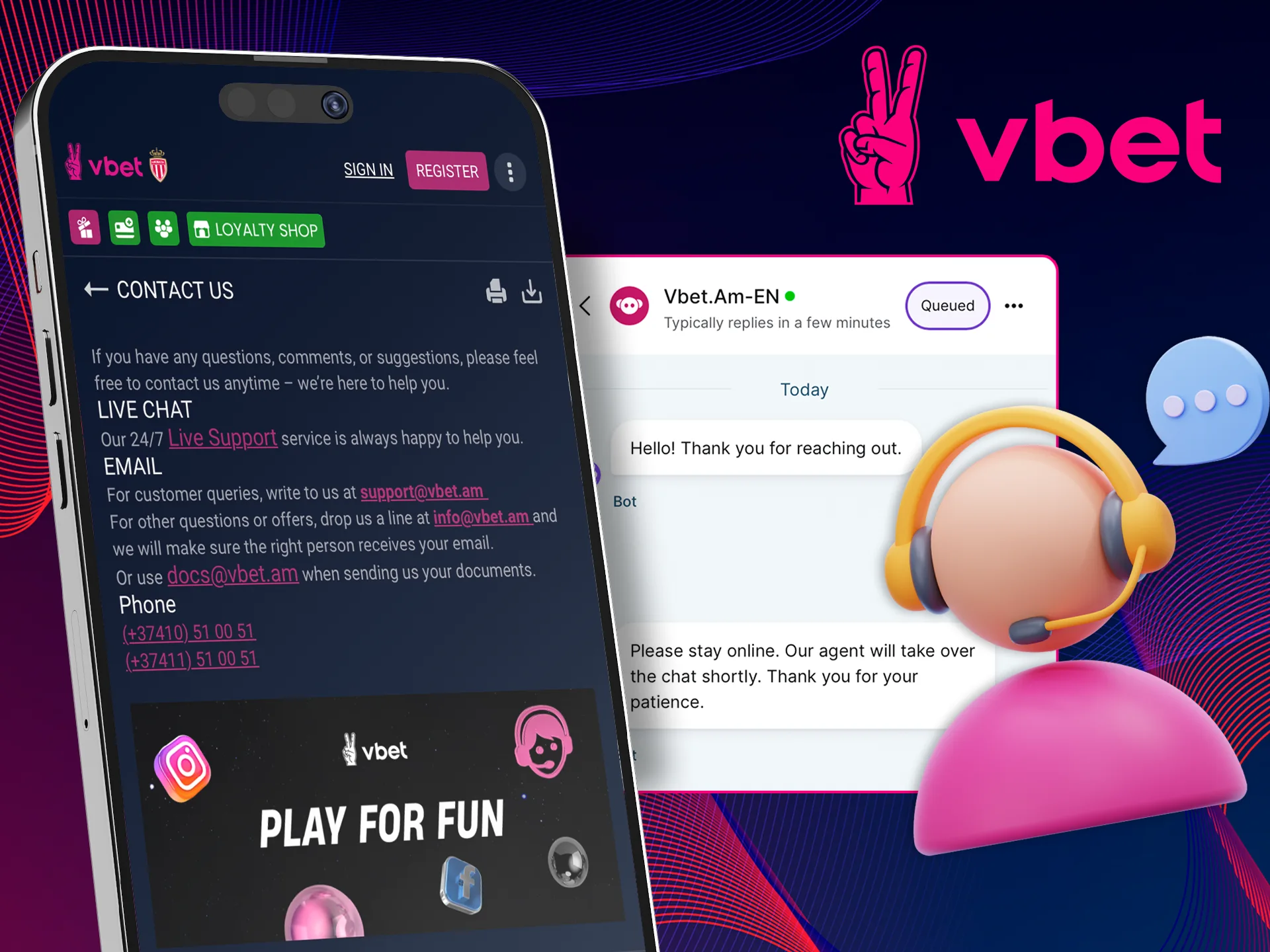
Need help? Use one of the following channels:
- Live chat (24/7): Click on the profile icon, select “Support” and start an instant chat. Great for emergency help with deposits, withdrawals, betting errors and account issues;
- Email support: Send a detailed request to support@vbet.net with your username and the issue. You will receive a response within 24 hours, and this is ideal for official inquiries, sending documents or verification.
Final Opinion on the Vbet App
The VBet app is a comprehensive and user-focused platform for Indian bettors, combining robust sports betting with an extensive casino offering. Available on both Android and iOS, the app supports fast deposits via cards, UPI, and cryptocurrency, with regular updates through official sources and APK files.
New users benefit from generous Sports Welcome Offers, Casino Match Bonuses, and free spins, while advanced tools like Bet Builder and Cash Out enhance strategic gameplay. The interface is intuitive, with clear Live, Prematch, and Casino tabs, live streaming, and live dealer tables for an immersive experience. A wide selection of slots, table games, and jackpots ensures entertainment for all preferences, with stable performance, responsive controls, and minimal downtime.
Combined with 24/7 live chat and prompt email support, the VBet app delivers reliability, performance, and variety, making it an excellent choice for both new and experienced players.
FAQ
Is Vbet Legal in India?
Yes, Vbet operates under international gaming licenses, including Curacao and Malta. Vbet accepts players from India, but you should check your local regulations, as laws vary by region.
Do I Need to Create a New Account Specifically for the Vbet App?
No. If you already have a Vbet account on the desktop version of the site or on a mobile device, simply log in using the same credentials. Download the app, click “Login” and enter your username and password, that’s it! Got it, new users can register directly in the app.
What to do if I Can't Download and Install the App?
If the Vbet app is not available in the Play Store or App Store in your region, no problem, download the APK file directly from the official Vbet website. For iOS, use Safari to add the PWA via the “Add to Home Screen” feature. However, if the problem persists, contact the support team for step-by-step assistance.
Are the App Bonuses Different from the Desktop Version?
No. The basic welcome offers and promotions in the Vbet app are the same as the desktop version. However, sometimes there may be mobile-exclusive offers, such as limited-time free spins or odds boosts. In general, check the Promotions tab in the app regularly.
Is the Vbet App Free to Use?
Yes, downloading and installing the Vbet app is completely free for the user. You only pay for real money bets or casino bets. There are no hidden fees or subscription charges. Of course, standard data or network charges may apply depending on your plan, but that is not the case with the app.
Leave a Reply